
Shibui (渋い)
A minimalist Hugo theme emphasizing simplicity and refinement



A minimalist Hugo theme emphasizing simplicity and refinement
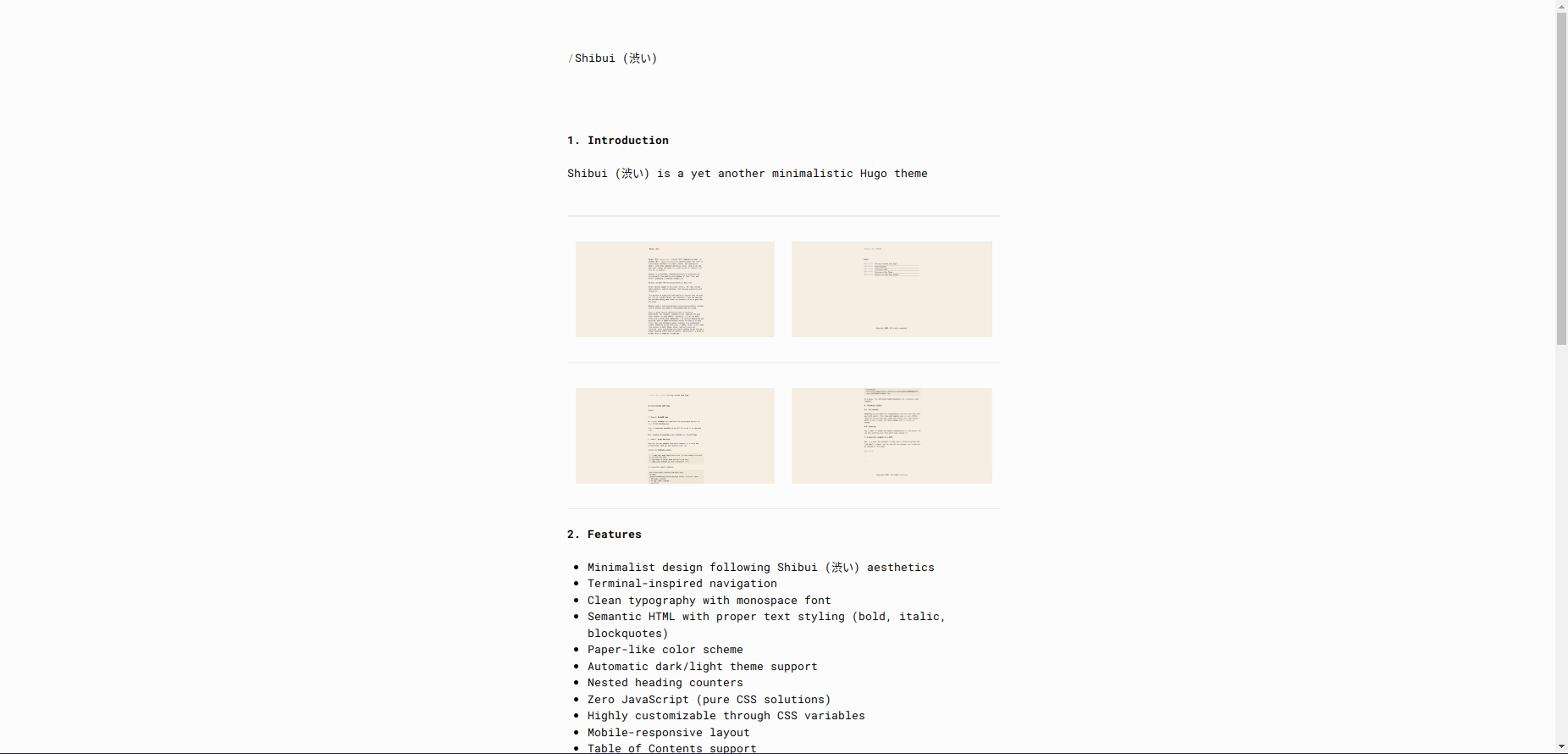 |
| 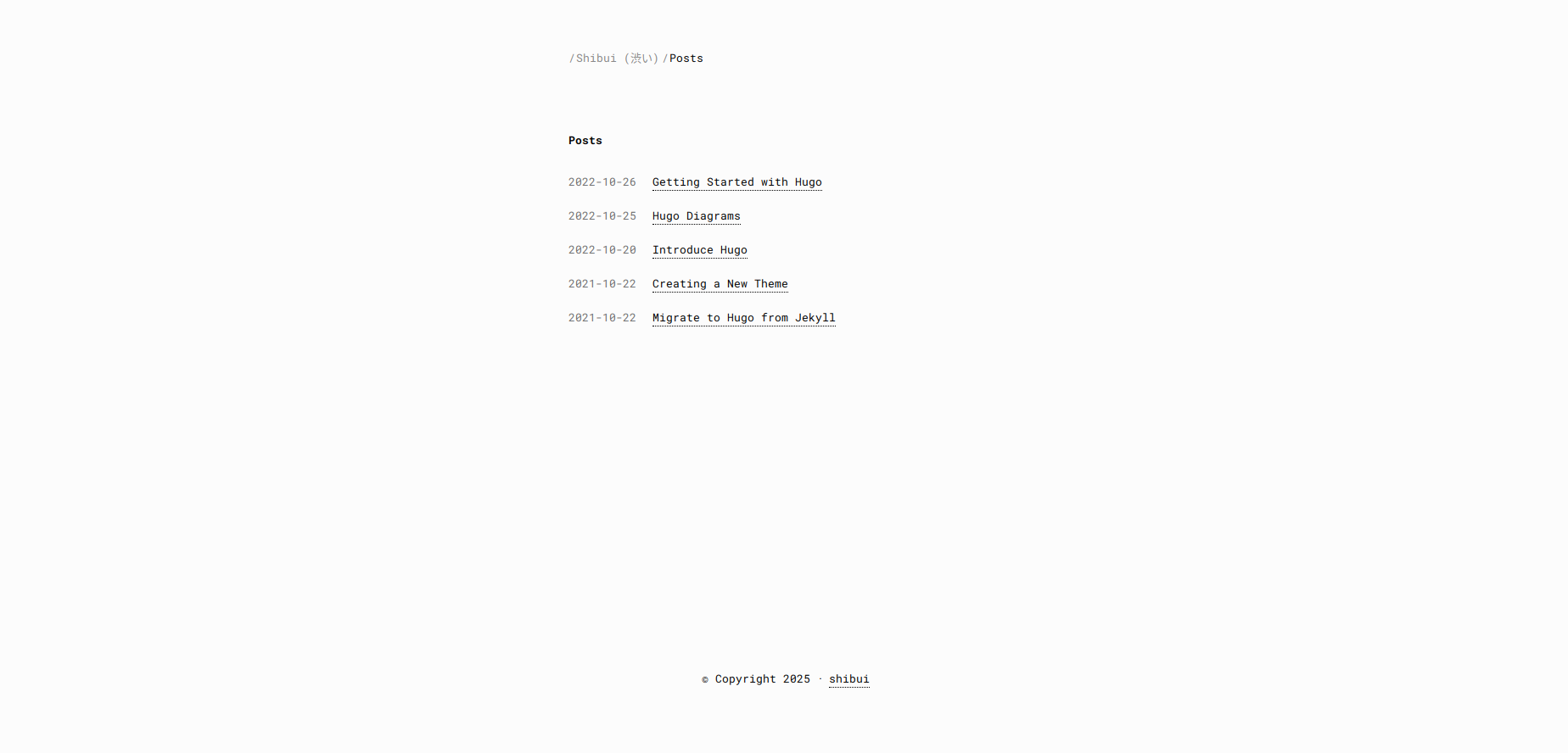 |
|
|
| 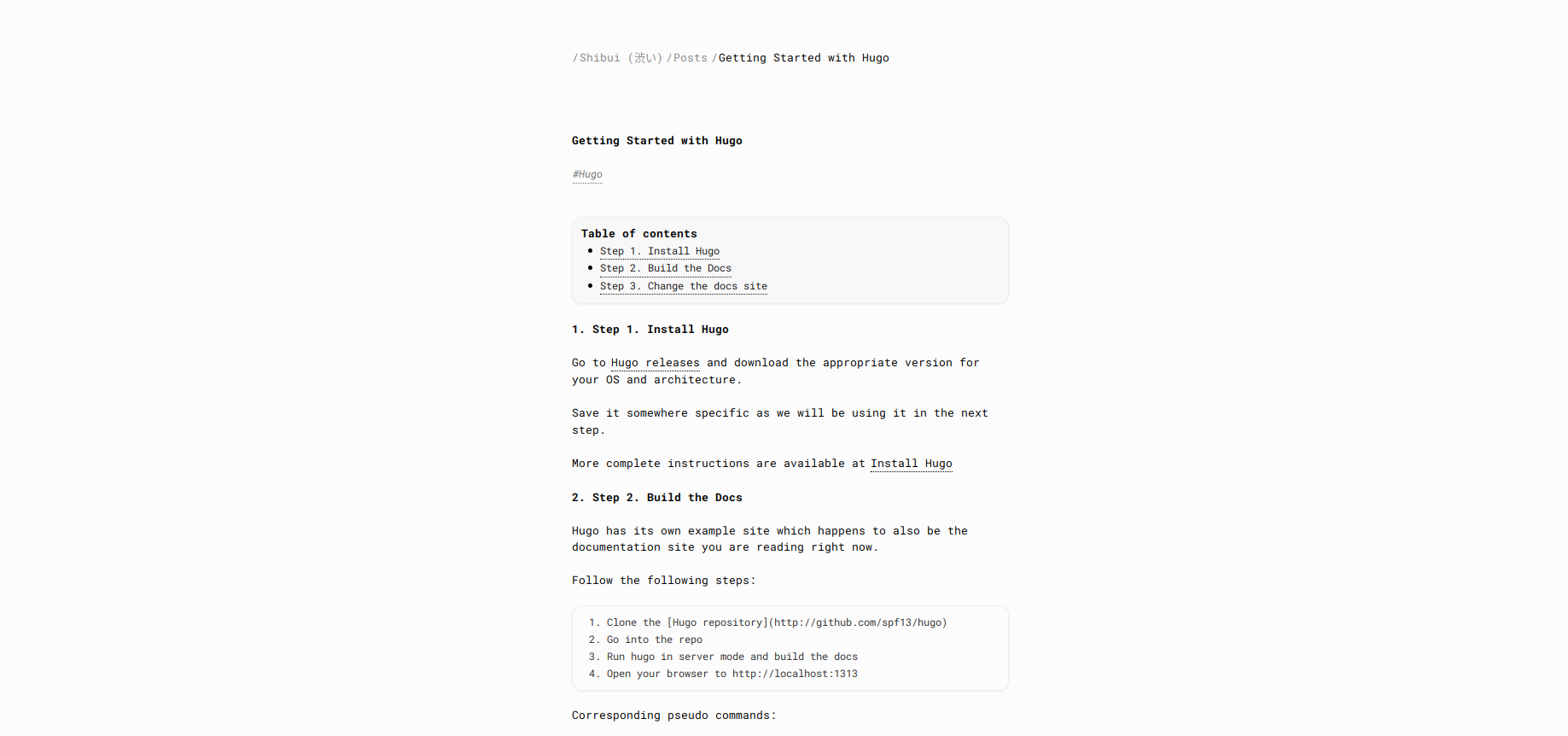 |
| 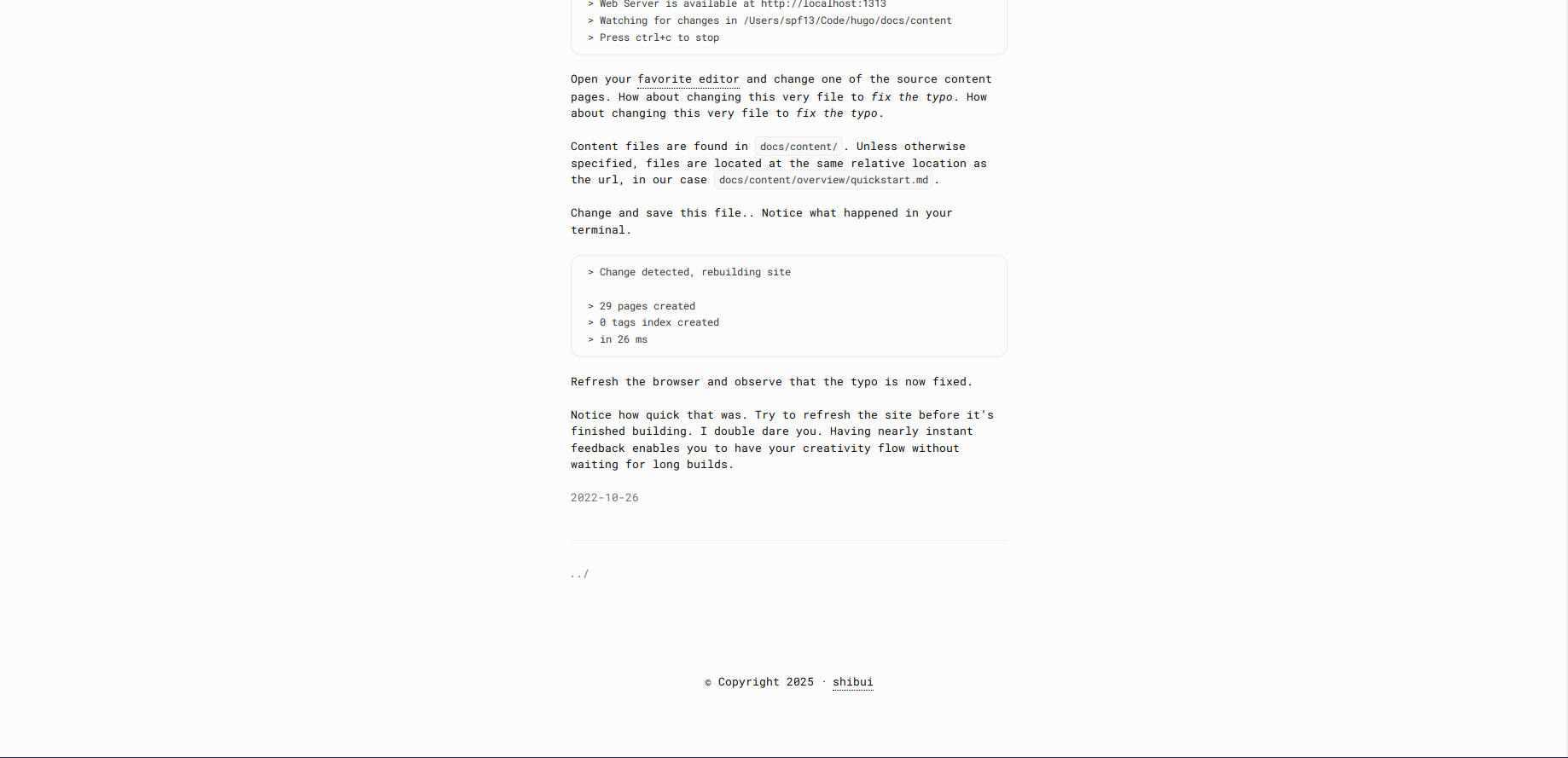 |
[Shibui](https://en.wikipedia.org/wiki/Shibui) (渋い) (adjective), shibumi (渋み) (subjective noun), or shibusa (渋さ) (objective noun) are Japanese words that refer to a particular aesthetic of simple, subtle, and unobtrusive beauty. Like other Japanese aesthetics terms, such as iki and wabi-sabi, shibui can apply to a wide variety of subjects, not just art or fashion.
## Features
- Minimalist design following Shibui (渋い) aesthetics
- Terminal-inspired navigation
- Clean typography with monospace font
- Semantic HTML with proper text styling (bold, italic, blockquotes)
- Paper-like color scheme
- Automatic dark/light theme support
- Nested heading counters
- Zero JavaScript (pure CSS solutions)
- Highly customizable through CSS variables
- Mobile-responsive layout
- Table of Contents support
- Tags support
- Customizable
## Installation
### As a Git Submodule
```bash
git submodule add https://github.com/ntk148v/shibui.git themes/shibui
git submodule update --init --recursive
```
### Configuration
Add the following to your `config.toml`:
```toml
baseURL = 'http://example.org/'
languageCode = 'en-us'
title = 'Your Site Title'
theme = "shibui"
[params]
author = "Your Name"
email = "your.email@example.com"
[menu]
[[menu.main]]
name = "Posts"
url = "/posts/"
weight = 1
[[menu.main]]
name = "About"
url = "/about/"
weight = 2
```
### Page Configuration
In the front matter of your content files:
```yaml
---
title: "Your Post Title"
date: 2023-06-13
tags: ["hugo", "theme"]
---
```
### Theme Parameters
You can configure theme behavior by adding parameters to your site's `config.toml`:
```toml
[params]
author = "Your Name"
email = "your.email@example.com"
# Enable/disable comments on posts (default: true)
comments = true
# Default table of contents visibility per page (default: true)
# Can be overridden per-page with `toc: false` in front matter
showtoc = true
# Show estimated reading time on posts (default: true)
showreadingtime = true
# Show last modified date on posts (default: false)
showlastmod = false
# Social links (optional)
twitterHandle = "username"
ogImage = "/images/og-image.jpg"
```
Supported front matter parameters for individual pages:
- `toc` (boolean): Show/hide table of contents (default: true)
- `comments` (boolean): Enable/disable comments for this page (default: site.Params.comments)
- `showreadingtime` (boolean): Override reading time display (default: site.Params.showreadingtime)
- `showlastmod` (boolean): Override last modified date display (default: site.Params.showlastmod)
## Color Scheme
The theme uses a paper-like color palette, use a background primary color as base and then derive the rest of theme colors by shifting lightness (or saturation/hue if needed) relative to that base, so we can easily generate multiple variants (light, dark, high-contrast, etc.). Therefore, you can adjust just base color and keep the same vibe, checkout [#4](https://github.com/ntk148v/shibui/pull/4) for preview.
```css
/* Base theme knobs */
--bg-h: 0;
--bg-s: 0%;
--bg-l: 99%;
/* Background colors */
--color-bg-primary: hsl(var(--bg-h) var(--bg-s) var(--bg-l));
--color-bg-secondary: hsl(var(--bg-h) var(--bg-s) calc(var(--bg-l) - 2%));
--color-border: hsl(var(--bg-h) var(--bg-s) calc(var(--bg-l) - 6%));
--color-selection-bg: hsl(var(--bg-h) var(--bg-s) calc(var(--bg-l) - 13%));
/* Text colors with WCAG-friendly contrast */
/* Primary: ensures near-black on light bg and near-white on dark bg */
--color-text-primary: hsl(
var(--bg-h) var(--bg-s) clamp(8%, calc(100% - var(--bg-l)), 92%)
);
/* Muted: softer but still >4.5:1 contrast */
--color-text-muted: hsl(
var(--bg-h) var(--bg-s) clamp(30%, calc(85% - var(--bg-l)), 75%)
);
/* Code text: slightly brighter than muted */
--color-text-code: hsl(
var(--bg-h) var(--bg-s) clamp(20%, calc(90% - var(--bg-l)), 85%)
);
```
## Customization
### CSS Variables
You can customize the theme by overriding CSS variables in your `assets/css/custom.css`:
For example, you want to create a dark theme, just adjust the base color.
```css
:root {
/* Base theme knobs */
--bg-h: 0;
--bg-s: 0%;
--bg-l: 12%;
}
```
## Contributing
Contributions are welcome! Primary goals are:
- Maintain minimalist design principles
- Keep it simple and efficient
- Avoid JavaScript when CSS can solve the problem
- Follow Shibui (渋い) aesthetics
## License
MIT
## Demo
Visit the [demo site](https://ntk148v.github.io/shibui) to see the theme in action.
## Theme Structure
```
shibui/
├── archetypes/ # Content template files
├── assets/
│ ├── css/ # Theme CSS files
│ └── js/ # Theme JavaScript files
├── layouts/ # Template files
│ ├── _default/ # Default templates
│ ├── _partials/ # Reusable template parts
│ └── index.html # Homepage template
├── static/ # Static assets
└── exampleSite/ # Example site for reference
```
### Template Organization
- `layouts/_default/baseof.html`: Base template with common layout
- `layouts/_default/single.html`: Template for individual pages
- `layouts/_default/list.html`: Template for section pages
- `layouts/_partials/`: Contains reusable components like header, footer
- `layouts/index.html`: Homepage template
### Assets
The theme uses a minimal set of assets:
- CSS: Single stylesheet with CSS variables for customization
- JS: Optional JavaScript for enhanced functionality
- Static: Basic favicon and other static assets
### ExampleSite
The `exampleSite` directory contains a complete example of a site using the theme. Use it as a reference for:
- Configuration setup
- Content organization
- Front matter examples
- Menu structure
## Updating
Since the theme is installed as a Git submodule, you can update it to the latest version with:
```bash
cd themes/shibui
git pull origin main
```
## Version Requirements
- Hugo Extended v0.93.0 or higher
- Go 1.18 or higher (for Hugo modules)
## Credits
This theme was inspired by various minimalist designs and the Japanese concept of Shibui (渋い). Special thanks to:
- [William Jansson](https://williamjansson.com)
- The Hugo community
- [Minimalist design principles](
|
[Shibui](https://en.wikipedia.org/wiki/Shibui) (渋い) (adjective), shibumi (渋み) (subjective noun), or shibusa (渋さ) (objective noun) are Japanese words that refer to a particular aesthetic of simple, subtle, and unobtrusive beauty. Like other Japanese aesthetics terms, such as iki and wabi-sabi, shibui can apply to a wide variety of subjects, not just art or fashion.
## Features
- Minimalist design following Shibui (渋い) aesthetics
- Terminal-inspired navigation
- Clean typography with monospace font
- Semantic HTML with proper text styling (bold, italic, blockquotes)
- Paper-like color scheme
- Automatic dark/light theme support
- Nested heading counters
- Zero JavaScript (pure CSS solutions)
- Highly customizable through CSS variables
- Mobile-responsive layout
- Table of Contents support
- Tags support
- Customizable
## Installation
### As a Git Submodule
```bash
git submodule add https://github.com/ntk148v/shibui.git themes/shibui
git submodule update --init --recursive
```
### Configuration
Add the following to your `config.toml`:
```toml
baseURL = 'http://example.org/'
languageCode = 'en-us'
title = 'Your Site Title'
theme = "shibui"
[params]
author = "Your Name"
email = "your.email@example.com"
[menu]
[[menu.main]]
name = "Posts"
url = "/posts/"
weight = 1
[[menu.main]]
name = "About"
url = "/about/"
weight = 2
```
### Page Configuration
In the front matter of your content files:
```yaml
---
title: "Your Post Title"
date: 2023-06-13
tags: ["hugo", "theme"]
---
```
### Theme Parameters
You can configure theme behavior by adding parameters to your site's `config.toml`:
```toml
[params]
author = "Your Name"
email = "your.email@example.com"
# Enable/disable comments on posts (default: true)
comments = true
# Default table of contents visibility per page (default: true)
# Can be overridden per-page with `toc: false` in front matter
showtoc = true
# Show estimated reading time on posts (default: true)
showreadingtime = true
# Show last modified date on posts (default: false)
showlastmod = false
# Social links (optional)
twitterHandle = "username"
ogImage = "/images/og-image.jpg"
```
Supported front matter parameters for individual pages:
- `toc` (boolean): Show/hide table of contents (default: true)
- `comments` (boolean): Enable/disable comments for this page (default: site.Params.comments)
- `showreadingtime` (boolean): Override reading time display (default: site.Params.showreadingtime)
- `showlastmod` (boolean): Override last modified date display (default: site.Params.showlastmod)
## Color Scheme
The theme uses a paper-like color palette, use a background primary color as base and then derive the rest of theme colors by shifting lightness (or saturation/hue if needed) relative to that base, so we can easily generate multiple variants (light, dark, high-contrast, etc.). Therefore, you can adjust just base color and keep the same vibe, checkout [#4](https://github.com/ntk148v/shibui/pull/4) for preview.
```css
/* Base theme knobs */
--bg-h: 0;
--bg-s: 0%;
--bg-l: 99%;
/* Background colors */
--color-bg-primary: hsl(var(--bg-h) var(--bg-s) var(--bg-l));
--color-bg-secondary: hsl(var(--bg-h) var(--bg-s) calc(var(--bg-l) - 2%));
--color-border: hsl(var(--bg-h) var(--bg-s) calc(var(--bg-l) - 6%));
--color-selection-bg: hsl(var(--bg-h) var(--bg-s) calc(var(--bg-l) - 13%));
/* Text colors with WCAG-friendly contrast */
/* Primary: ensures near-black on light bg and near-white on dark bg */
--color-text-primary: hsl(
var(--bg-h) var(--bg-s) clamp(8%, calc(100% - var(--bg-l)), 92%)
);
/* Muted: softer but still >4.5:1 contrast */
--color-text-muted: hsl(
var(--bg-h) var(--bg-s) clamp(30%, calc(85% - var(--bg-l)), 75%)
);
/* Code text: slightly brighter than muted */
--color-text-code: hsl(
var(--bg-h) var(--bg-s) clamp(20%, calc(90% - var(--bg-l)), 85%)
);
```
## Customization
### CSS Variables
You can customize the theme by overriding CSS variables in your `assets/css/custom.css`:
For example, you want to create a dark theme, just adjust the base color.
```css
:root {
/* Base theme knobs */
--bg-h: 0;
--bg-s: 0%;
--bg-l: 12%;
}
```
## Contributing
Contributions are welcome! Primary goals are:
- Maintain minimalist design principles
- Keep it simple and efficient
- Avoid JavaScript when CSS can solve the problem
- Follow Shibui (渋い) aesthetics
## License
MIT
## Demo
Visit the [demo site](https://ntk148v.github.io/shibui) to see the theme in action.
## Theme Structure
```
shibui/
├── archetypes/ # Content template files
├── assets/
│ ├── css/ # Theme CSS files
│ └── js/ # Theme JavaScript files
├── layouts/ # Template files
│ ├── _default/ # Default templates
│ ├── _partials/ # Reusable template parts
│ └── index.html # Homepage template
├── static/ # Static assets
└── exampleSite/ # Example site for reference
```
### Template Organization
- `layouts/_default/baseof.html`: Base template with common layout
- `layouts/_default/single.html`: Template for individual pages
- `layouts/_default/list.html`: Template for section pages
- `layouts/_partials/`: Contains reusable components like header, footer
- `layouts/index.html`: Homepage template
### Assets
The theme uses a minimal set of assets:
- CSS: Single stylesheet with CSS variables for customization
- JS: Optional JavaScript for enhanced functionality
- Static: Basic favicon and other static assets
### ExampleSite
The `exampleSite` directory contains a complete example of a site using the theme. Use it as a reference for:
- Configuration setup
- Content organization
- Front matter examples
- Menu structure
## Updating
Since the theme is installed as a Git submodule, you can update it to the latest version with:
```bash
cd themes/shibui
git pull origin main
```
## Version Requirements
- Hugo Extended v0.93.0 or higher
- Go 1.18 or higher (for Hugo modules)
## Credits
This theme was inspired by various minimalist designs and the Japanese concept of Shibui (渋い). Special thanks to:
- [William Jansson](https://williamjansson.com)
- The Hugo community
- [Minimalist design principles](